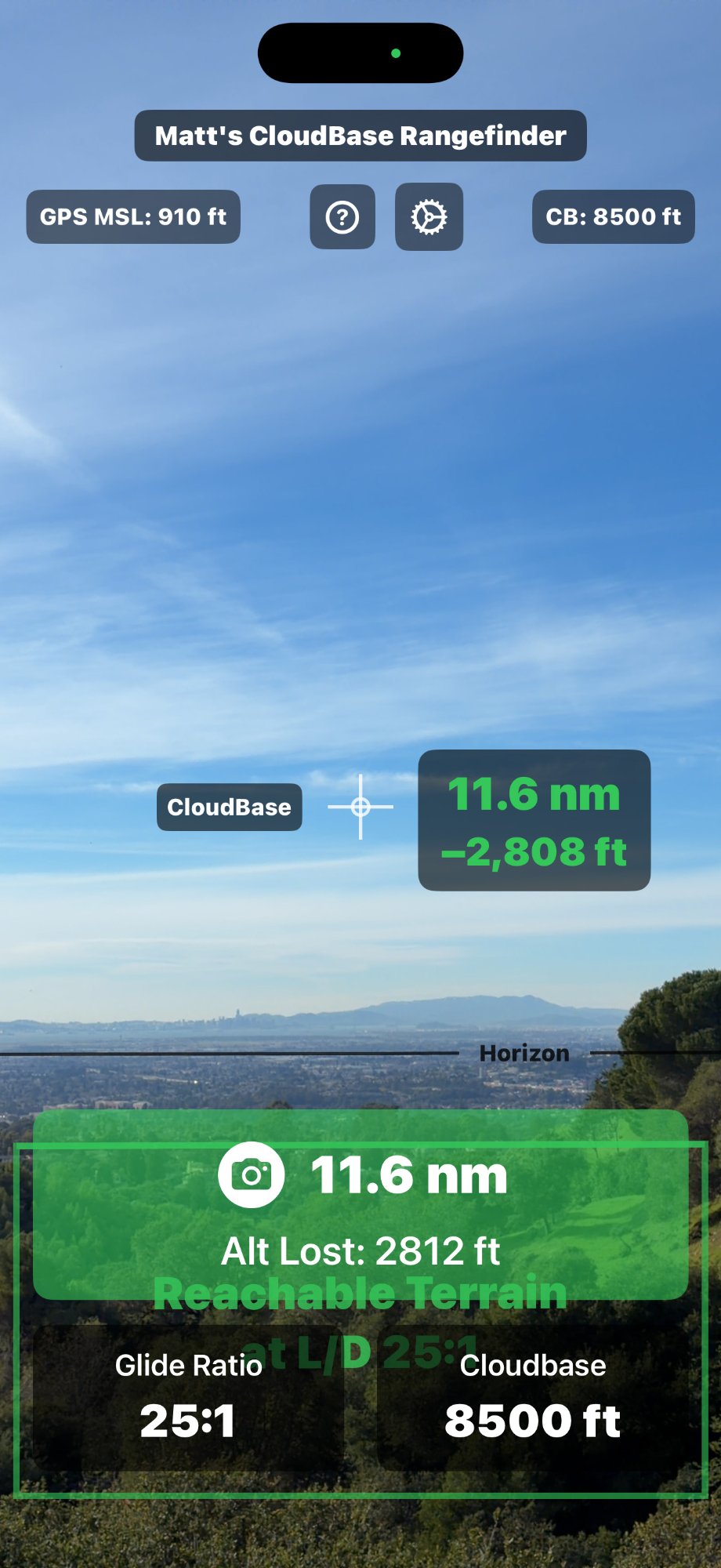
MyCloudBase is a simple rangefinder for glider pilots. Point your iPhone at a cloud base and instantly see how far it is and how much altitude you'll lose getting there.
Perfect for pilots learning cross-country soaring
When you're starting out in cross-country soaring, estimating distances is hard. Clouds that look close might be 10 miles away. MyCloudBase takes the guesswork out by giving you real numbers.
"That cloud is 4.2 miles away. I'll lose 1,850 feet getting there. At my glide ratio, I can make it."
Over time, you'll start calibrating your own eyes and building the intuition that experienced pilots have. MyCloudBase is your training wheels for distance judgment.
Point your camera at any cloud base and instantly see:
Make informed decisions about which clouds to chase and whether you can reach them safely.
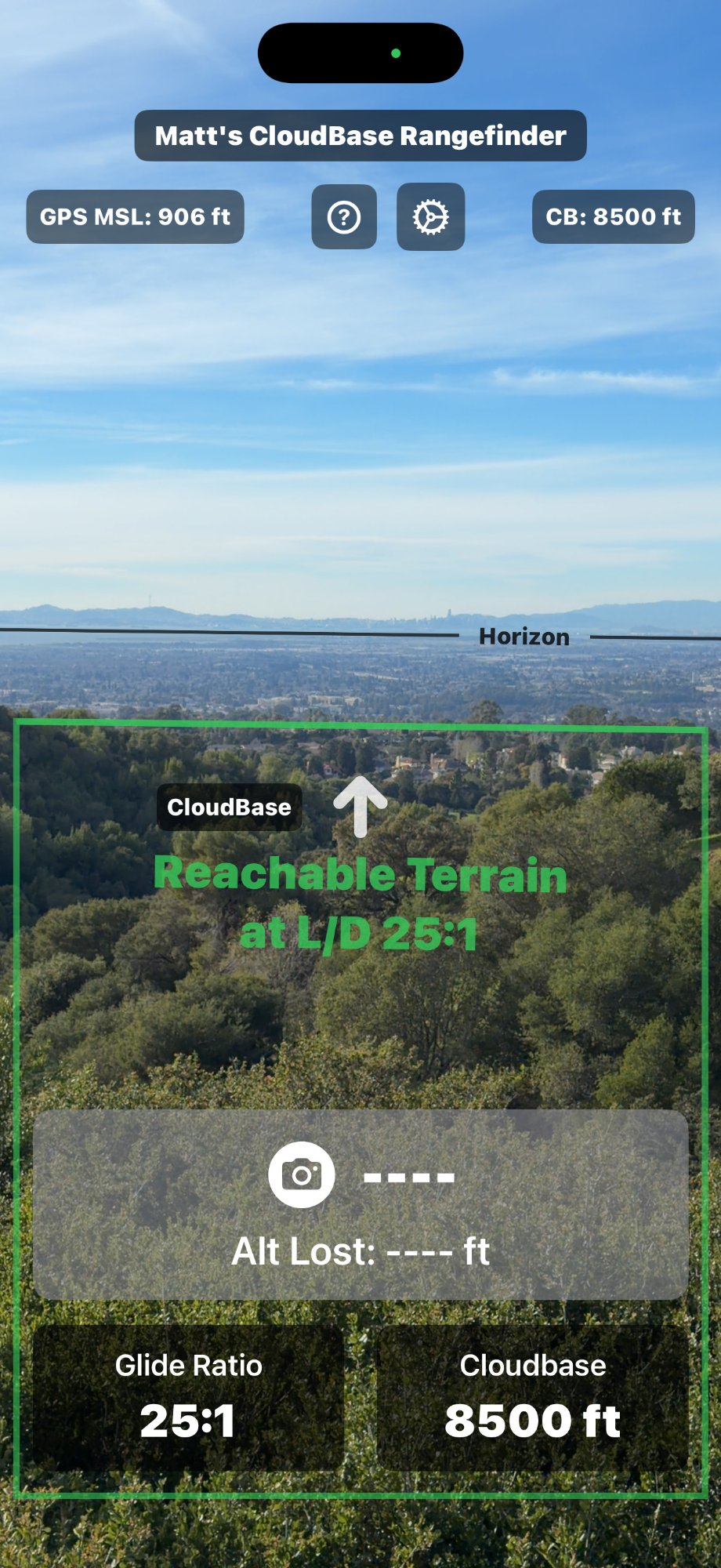
A green overlay shows everything within gliding range:
Instantly see if a cloud base falls within your gliding range without doing any math.
Enter the cloudbase altitude (ask a towpilot or check the forecast) and your realistic glide ratio (be conservativeโ25:1 to 30:1 for beginners).
Aim your iPhone camera at the base of a cumulus cloud. The calibrated horizon line helps you see exactly where level is.
See the distance and altitude loss displayed next to the crosshair. Check if the cloud is inside the green reachable terrain box.
Go for it, or find something closer? With real data, you can make confident cross-country decisions.
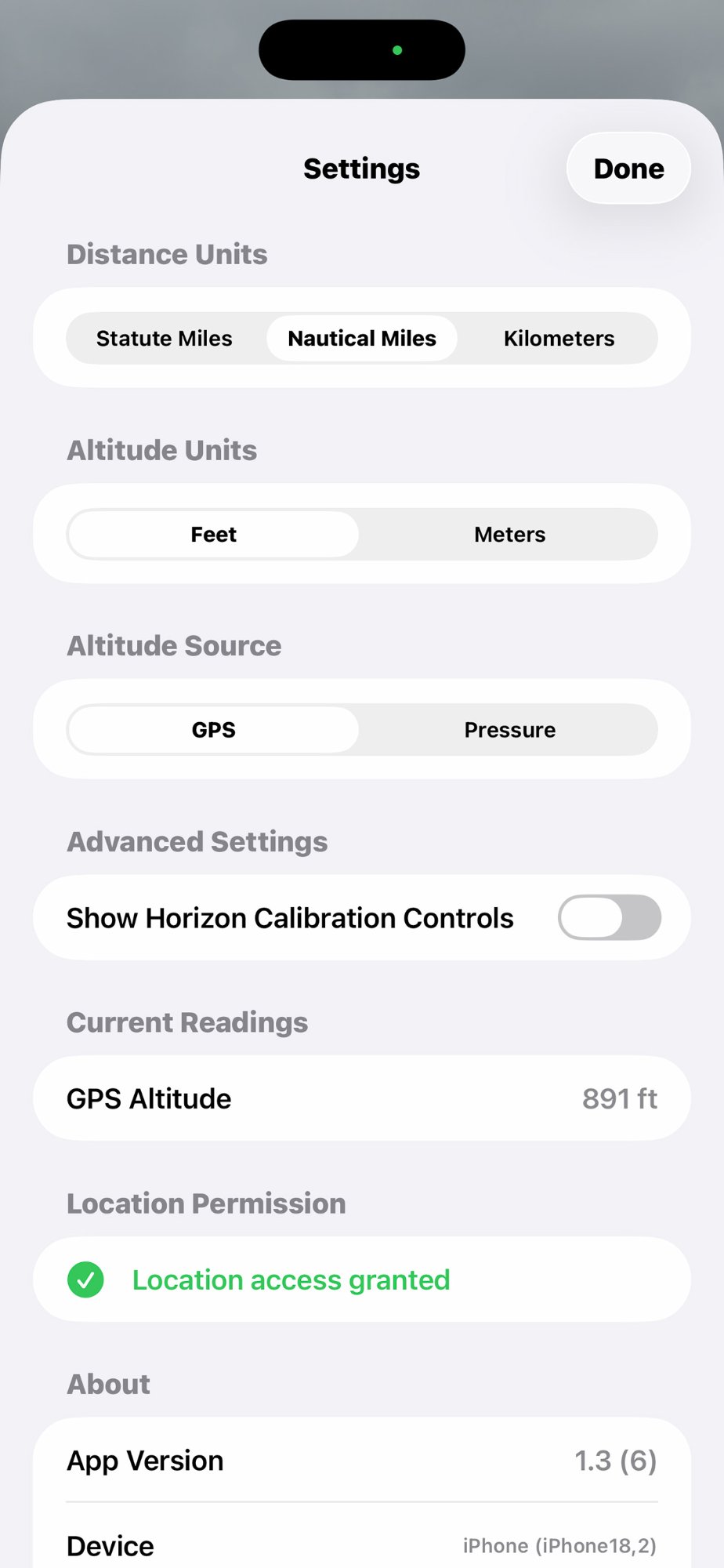
Tap the gear icon (โ๏ธ) to access:
Your glider's published L/D is for perfect conditions. In real soaring with headwinds, sink, and maneuvering, use 60-75% of best L/D.
Before flying, practice pointing at clouds from the airfield. Get comfortable with the interface when you're not also flying a glider.
Cloud bases typically rise during the day. Check with other pilots or observe where thermals are topping out and update your setting.
MyCloudBase is a planning aid. Always cross-check with your variometer, GPS, and good old-fashioned airmanship.
The app works best when you can clearly see the cloud base. If clouds are directly overhead, they're harder to measure accurately.
Works great on classic cumulus days with well-defined cloud bases. Less useful on blue days or with high overcast.
MyCloudBase is surprisingly accurate when properly calibrated. The main variables are: (1) your cloudbase altitude estimate, (2) your actual glide ratio in current conditions, and (3) how precisely you aim at the cloud base. The app has been calibrated using laser levels for multiple iPhone models.
Be realistic and conservative. If your glider's best L/D is 40:1, that's in still air at optimal speed. In real soaring with headwinds, sink between thermals, and maneuvering, 25:1 to 32:1 is more realistic. Better to arrive with altitude to spare!
Several ways: (1) Ask your towpilot or other pilots who've been up, (2) Check aviation weather forecasts which often include expected cloud bases, (3) Use the rule of thumb: spread (temperature minus dewpoint in ยฐC) ร 400 = cloud base in feet AGL, (4) Note your altitude when you top out in thermals.
Yes! MyCloudBase works completely offline. It uses your phone's camera, motion sensors, and GPSโno internet required. Perfect for soaring in remote areas.
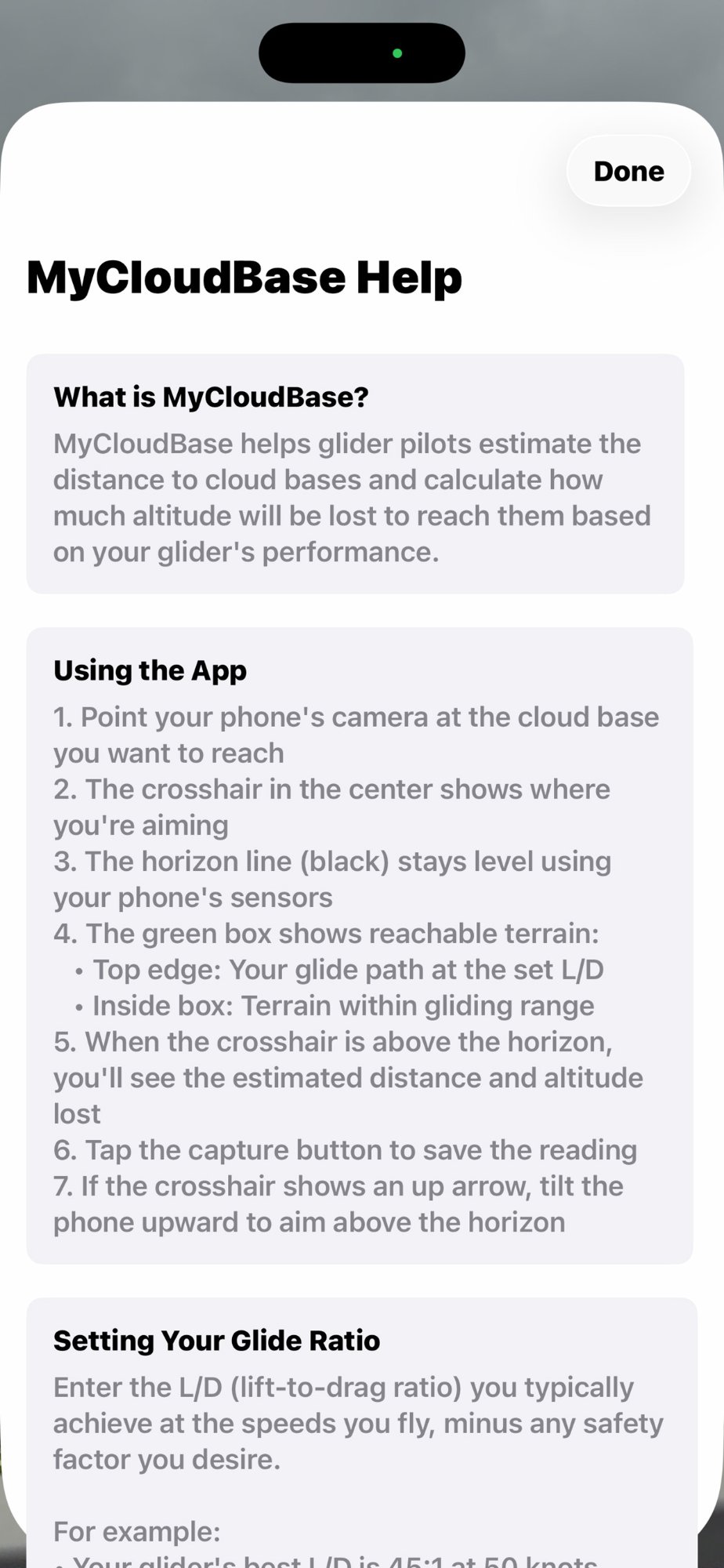
The up arrow (โ) appears when you're pointing below the horizon. Since you can only measure distance to clouds above you, tilt the phone upward until the crosshair returns to normal (+).
The green "Reachable Terrain" box shows everything within gliding range at your set L/D ratio. The top edge of the box represents your glide path. If a cloud base appears inside this box, you can theoretically glide to it.
Probably not. MyCloudBase comes pre-calibrated for many iPhone models. If the horizon line doesn't track correctly with a known level reference (like the ocean horizon or a laser level), you can enable calibration controls in Settings.
MyCloudBase is designed for cloud-to-cloud decisions, not final glide. For final glide, use a proper flight computer that accounts for wind, terrain, and required arrival altitude. However, the reachable terrain display can give you a general sense of what's within gliding range.
The current version is optimized for iPhone only in portrait orientation. iPad support may be added in a future update.
MyCloudBase is a one-time purchase with no subscriptions, no ads, and no in-app purchases. Your $2.99 supports ongoing development and new features. That's less than a single tow!
Solution: The app may need calibration for your specific iPhone. Go to Settings โ Advanced Settings โ Enable "Show Horizon Calibration Controls". Use a laser level or known horizon to adjust the Scale and Offset sliders until the line tracks correctly. Tap Save when done.
Solution: Make sure you're pointing above the horizon (crosshair shows + not โ), cloudbase is set higher than your current altitude, and the camera has a clear view. The reading only appears when these conditions are met.
Solution: GPS altitude can vary. Go to Settings and check the Current Readings section to see what altitude the app is using. You can switch to Pressure altitude and add a manual offset to match your altimeter.
Solution: Check that you've granted camera permission. Go to iPhone Settings โ MyCloudBase โ Camera and make sure it's enabled.
Solution: Tap the gear icon to access Settings. You can change distance units (sm/nm/km) and altitude units (ft/m) there. The cloudbase picker will automatically use your selected altitude unit.
Solution: The phone's motion sensors can be affected by vibration or rapid movement. Try holding the phone more steadily. If the problem persists, try restarting the app.
Download MyCloudBase and start building your distance judgment skills today.
Download on App Store - $2.99One-time purchase. No subscriptions. No ads.